
For most visitors, the best mobile plan covers the maps, translation, transport, and messaging they actually use. Check phone compatibility and the provider's installation and activation instructions before landing; a headline price alone does not tell the whole story.
Connectivity options at a glance
| 選項 | Best for | Setup | Main trade-off |
|---|---|---|---|
| eSIM | Most unlocked compatible phones | Follow the provider's install and start instructions | Voice and SMS vary by plan |
| Physical SIM | Phones without eSIM support | Swap at an airport or retail counter | Requires handling your home SIM |
| Pocket Wi-Fi | Groups sharing one connection | Collect and carry a separate device | Needs charging and return logistics |
Always confirm compatibility, activation timing, and current provider terms before paying.
Compare Korea eSIM plans for 2026 by setup, data, coverage and hotspot use, then choose the option that suits your phone and trip.
Key takeaways
For many travelers an eSIM is a convenient way to get online, but install and activation timing must follow the provider's instructions.
Compare plan validity, data allowance and hotspot rules before buying; those details matter more than a headline price.
A local prepaid SIM can be a practical fallback for phones without eSIM support or for travelers who need a plan with voice and SMS.
Airalo's listed Korea plans are data-only; SK Telecom offers both data-only and data-plus-call-and-SMS tourist eSIMs.
Planning a trip to Korea and not sure how you will get online? The Korea Tourism Organization lists free public Wi-Fi at many public locations, including airports and rail or subway stations, but also warns that coverage is not reliable in every region. Your own mobile data is useful for maps, translation, messaging and calling a taxi. This guide explains whether you need an eSIM and how to compare current provider terms.
Do you actually need an eSIM in Korea?
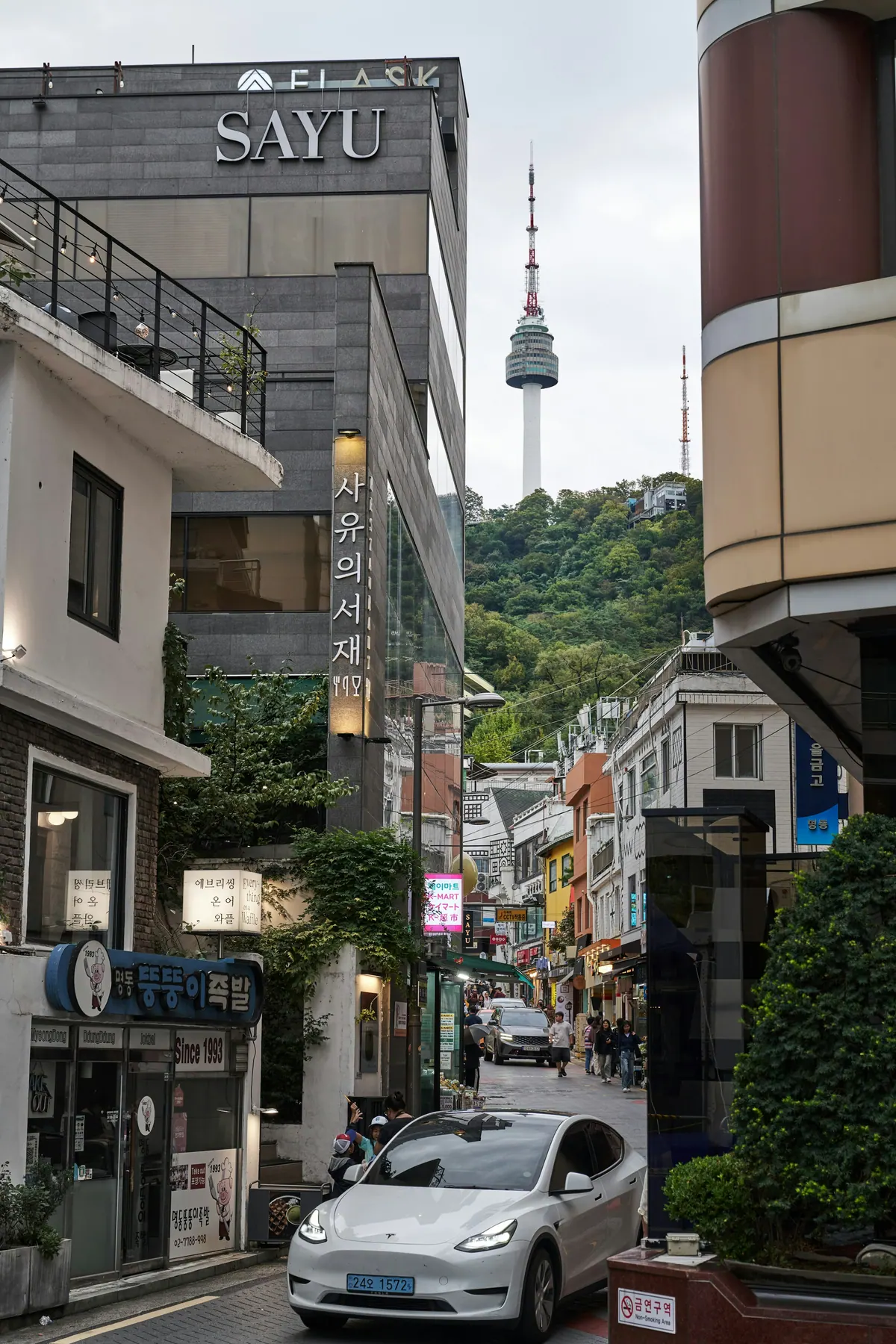
Not strictly. Hotel, cafe and public Wi-Fi can cover part of a trip, but the Korea Tourism Organization says public Wi-Fi is not reliable in all regions. Mobile data keeps navigation, Papago translation, messaging and taxi apps available between Wi-Fi points. An eSIM can provide that connection without replacing your physical SIM, provided the phone is unlocked and supports eSIM. Check the exact device model and provider activation rule before paying; there is no single activation trigger that applies to every Korea eSIM.
eSIM vs SIM card vs pocket Wi-Fi
Choose eSIM when your phone supports it
There are three common ways to get data. An eSIM avoids swapping a physical card when the phone is compatible. A physical SIM is the fallback for an unlocked phone without eSIM support, and the Korea Tourism Organization lists carrier roaming centers at major international airports. A pocket Wi-Fi router can share one connection among several devices, but it adds collection, charging and return logistics. Choose by device support, group size and whether you need voice or SMS rather than assuming one format is always best.
How much does a Korea eSIM cost?
Match your allowance to how you use your phone
Prices and package inventories change. Airalo's official Korea page currently lists fixed-data and unlimited-labelled data-only packages, while SK Telecom publishes separate tourist eSIM periods and prices on its own booking page. Compare the live checkout price, supported network, validity start, speed policy, hotspot rule and refund terms on the same day you buy. A low starting price is not enough to compare plans with different allowances or service types.
1. Airalo: a data-only marketplace option
Airalo's official South Korea catalog lists data-only packages with different data amounts and validity periods, including fixed-data and unlimited-labelled options. Airalo says a package's validity usually begins when the eSIM connects to a supported network, but some packages begin at installation, so check the selected validity policy. Its current fair-use policy applies a default 3 GB daily high-speed threshold and then 1 Mbps for the rest of that 24-hour period to unlimited packages, unless the package details state a different threshold. That rule does not turn fixed-data packages—or other providers' plans—into the same product.
2. SK Telecom: a local option with voice and SMS choices
SK Telecom currently lists separate LTE and 5G tourist eSIM products. Its LTE data-plus-call-and-SMS plan lists unlimited data at up to 100 Mbps; its separate 5G products have their own terms. Choose the exact product before comparing speed or price. For the call-and-SMS option, passport verification is required for calls and texts; incoming domestic calls and texts are included, while outgoing calls and texts require a recharge. SK Telecom's current 5G data-only page states that validity is counted in 24-hour periods from scanning the QR code, so check the selected product's start rule before installation.
3. If your phone does not support eSIM
Not every phone is eSIM-ready. If yours is not, consider a prepaid physical SIM. The Korea Tourism Organization lists roaming centers for SK Telecom, KT and LG U+ at major international airports, including Incheon, but counters and service hours differ by terminal and operator. Confirm the current location and hours before relying on an arrival purchase, and keep your home SIM secure after the swap.
How to set up your eSIM before you land
Check the exact phone model for eSIM support and confirm that it is carrier-unlocked.
Read the selected package's activation trigger before scanning or installing its QR code.
Install in advance only when the provider says installation will not start the validity period; SK Telecom says its data-only tourist eSIM period starts when the QR code is scanned.
On arrival, follow the provider's instructions for the data line and data-roaming setting.
If keeping your home SIM active, review its roaming charges and choose the correct default line for calls, texts and data.
Which should you choose?
Choose Airalo when a data-only package matches your allowance, device and current package terms. Consider SK Telecom if its selected LTE or 5G plan, including any call-and-SMS option, better matches your needs. If the phone cannot use eSIM, compare a physical SIM or pocket Wi-Fi instead. Coverage and speed can vary by network, place, device and congestion, so neither provider's official material supports a universal promise that one option is fastest or strongest on every rural route. Save the installation instructions offline in case airport Wi-Fi is unavailable.
A few things to watch for
Two details deserve a final check. First, service type is provider-specific: the Airalo Korea plans shown in its catalog are data-only, while SK Telecom offers data-only and data-plus-call-and-SMS choices; SK Telecom also warns that personal-authentication and payment-verification texts are unavailable. Second, validity timing differs. Airalo describes network connection as the usual start trigger, subject to the package information, while SK Telecom says its data-only tourist eSIM period starts when the QR code is scanned. Refund eligibility can also change after installation or QR scanning, so read the selected plan's terms before setup.
資料來源與查核
我們參照官方或第一手資料查核實用資訊。預訂或出發前,請直接向相關單位確認時效性資訊。
- Korea Tourism Organization: Electricity and communicationsVisitKorea
- Korea Tourism Organization: Money-saving travel tipsVisitKorea
- Airalo South Korea eSIM catalogAiralo
- Airalo eSIM validity policy guideAiralo
- Airalo unlimited data fair-use policyAiralo
- SK Telecom 5G data-only tourist eSIMSK Telecom Roaming
- SK Telecom tourist eSIM with calls and textsSK Telecom Roaming
- SK Telecom 5G tourist eSIM with calls and textsSK Telecom Roaming
常見問題
Do I even need an eSIM in Korea?
Not strictly. Free public Wi-Fi is available at many airports, stations and other public locations, but the Korea Tourism Organization warns that it is not reliable in every region. Mobile data is useful between Wi-Fi points for navigation, translation, messaging and taxi apps.
Will it work the moment I land?
Only if the phone, installation and plan settings are correct. Airalo says validity usually starts when its eSIM connects to a supported network, subject to the package information. SK Telecom says its data-only tourist eSIM usage period starts when the QR code is scanned. Follow the selected provider's instructions rather than assuming every plan starts on arrival.
Is unlimited really unlimited?
It does not necessarily mean full speed all day. Airalo's current policy gives its unlimited packages a default 3 GB daily high-speed threshold and then 1 Mbps until the next 24-hour reset, unless the package details specify a different threshold. That is Airalo's unlimited-package policy, not a rule for every Korea eSIM or for fixed-data plans.
Can I make calls and texts?
It depends on the plan. Airalo's listed South Korea packages are data-only. SK Telecom offers both data-only and data-plus-call-and-SMS tourist eSIMs, with passport verification and recharge conditions for the latter. Data-only users can call or message through internet apps.
最後查核:2026年9月 · TipsKorea 編輯部

