
The best connection is the setup your phone can use reliably. Decide whether you need a local number or in-person help, then choose the simplest option that keeps maps, messages, and account security working throughout the trip.
SIM and eSIM at a glance
| Option | Best for | Setup | Main consideration |
|---|---|---|---|
| eSIM | Unlocked compatible phones | Install before departure | Usually data-only |
| Physical SIM | No eSIM support or in-person help | Collect and insert on arrival | Protect or store your home SIM |
| International roaming | Lowest setup effort | Use your home carrier plan | Check price, speed, and allowance |
Plan features and phone compatibility vary. Check the exact product terms before purchase.
Korea SIM vs eSIM comes down to phone compatibility and setup: compare the exact plan, activation timing and support before buying.
A Korea SIM versus eSIM choice is mostly a question of timing and phone compatibility. Both can give you mobile data for maps, translation, hotel messages, train changes, and taxi apps. The difference is how you get connected. An eSIM is downloaded to an eligible phone before or during the trip. A physical SIM is a small card you insert into the phone, often after visiting an airport counter or pickup point. Neither is automatically better; the best one is the option that will work on your exact handset without making your first day harder.
For most short-term visitors with a modern unlocked phone, an eSIM is the simpler default because it can be installed on home Wi-Fi and activated when you reach Korea. A physical SIM is still a strong option when your device does not support eSIM, when you prefer a person to help with setup, or when you specifically need a plan with a Korean phone number. This guide separates the practical differences from the marketing language so you can choose with confidence.
Korea SIM vs eSIM: what can your phone use?
eSIM compatibility and carrier unlocking
Before comparing providers, open your phone settings or manufacturer support page and confirm two things: the device supports eSIM, and it is unlocked for use on another carrier. Recent models sold in many markets support eSIM, but regional versions and carrier-locked phones can differ. A phone that supports eSIM for its original provider may still reject a travel profile if it is locked. Do this at least a few days before departure, while you can ask your home carrier for help. Do not wait until you are in the arrivals hall with an unfamiliar QR code and a weak connection.
If your phone supports dual SIM or eSIM plus a physical SIM, decide which line will handle data and which will remain available for calls and security texts. Many travelers keep their home number active for authentication but switch off its data roaming to avoid accidental charges. That configuration varies by operating system and carrier, so test it at home. Save screenshots of the settings you used; after a long flight, a familiar reference is easier than recreating the setup from memory.
Protect your home SIM if you swap it
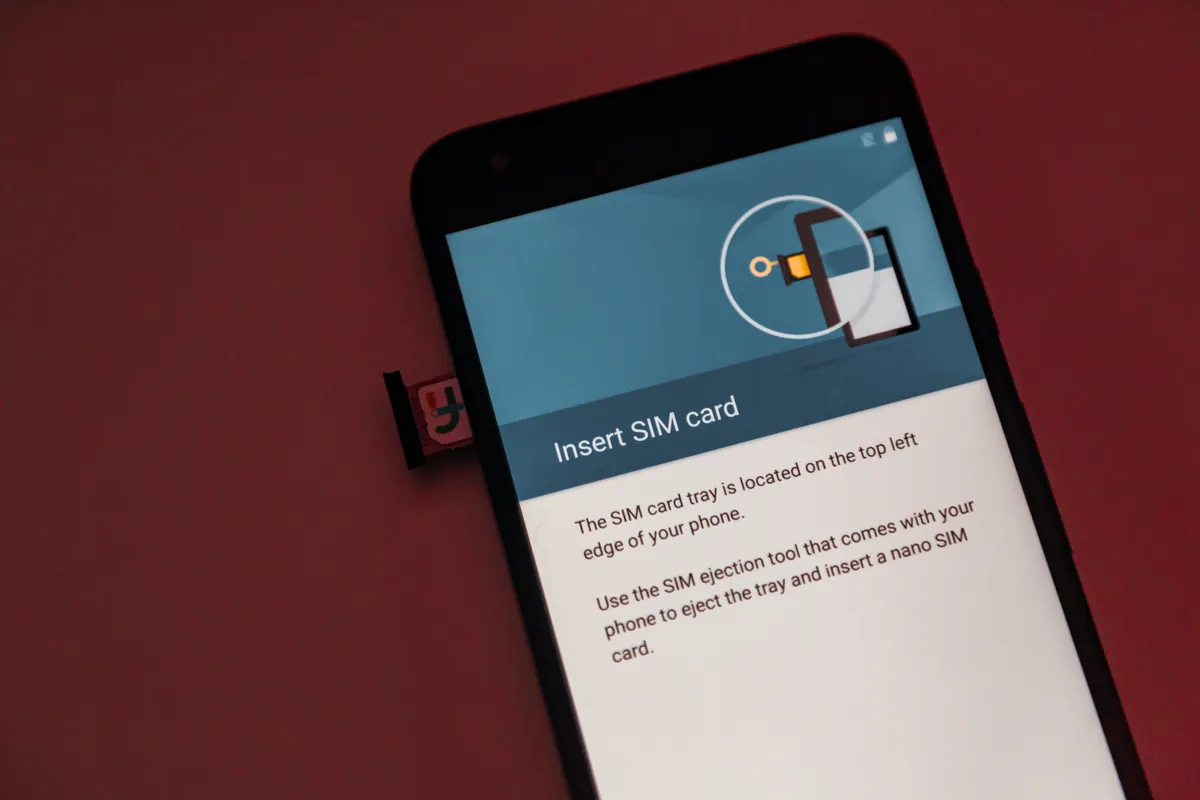
A physical Korea SIM may require you to remove your normal SIM. Keep the original card in a labeled case, not loose in a wallet or hotel drawer. If your home number receives one-time banking codes, plan how you will access them during the swap. Some providers support Wi-Fi calling or app-based authentication; others do not. A physical SIM can be the right answer, but the small task of storing and restoring your home card should be part of the decision—not an afterthought at the counter.
When an eSIM is the better Korea travel choice
The simplest route from aircraft to map
An eSIM is ideal when you want to be online before you navigate your first airport transfer. Buy and install it before departure, read the provider's activation instructions, and keep the confirmation email or QR code offline. On arrival, enable the travel eSIM for cellular data and follow the plan's roaming instructions. You can then search your hotel, receive a driver message, check a rail platform, or open a translation app without queuing at a telecom counter. It also leaves the physical SIM slot free for your home card.
The convenience is real, but it does not remove the need to read the plan. An eSIM may activate immediately when installed, only when it first connects in Korea, or on a provider-defined schedule. It may use a local carrier network, offer data only, and have a particular fair-use or high-speed policy. Hotspot sharing might be permitted, limited, or unavailable. There is no universal Korea eSIM specification, so compare the concrete plan terms rather than assuming every digital option behaves the same way.
Who should avoid an eSIM-first plan
An eSIM is less attractive if your phone is locked, unsupported, nearly out of storage, or owned by a traveler who would be uncomfortable changing mobile settings without help. It can also be a poor fit if you need a particular local-number service and the plan is data-only. In those cases, a physical SIM or carrier roaming arrangement may provide more support. The goal is a reliable connection, not the most fashionable setup.
When a physical SIM is the better Korea travel choice
In-person help can be worth the counter stop
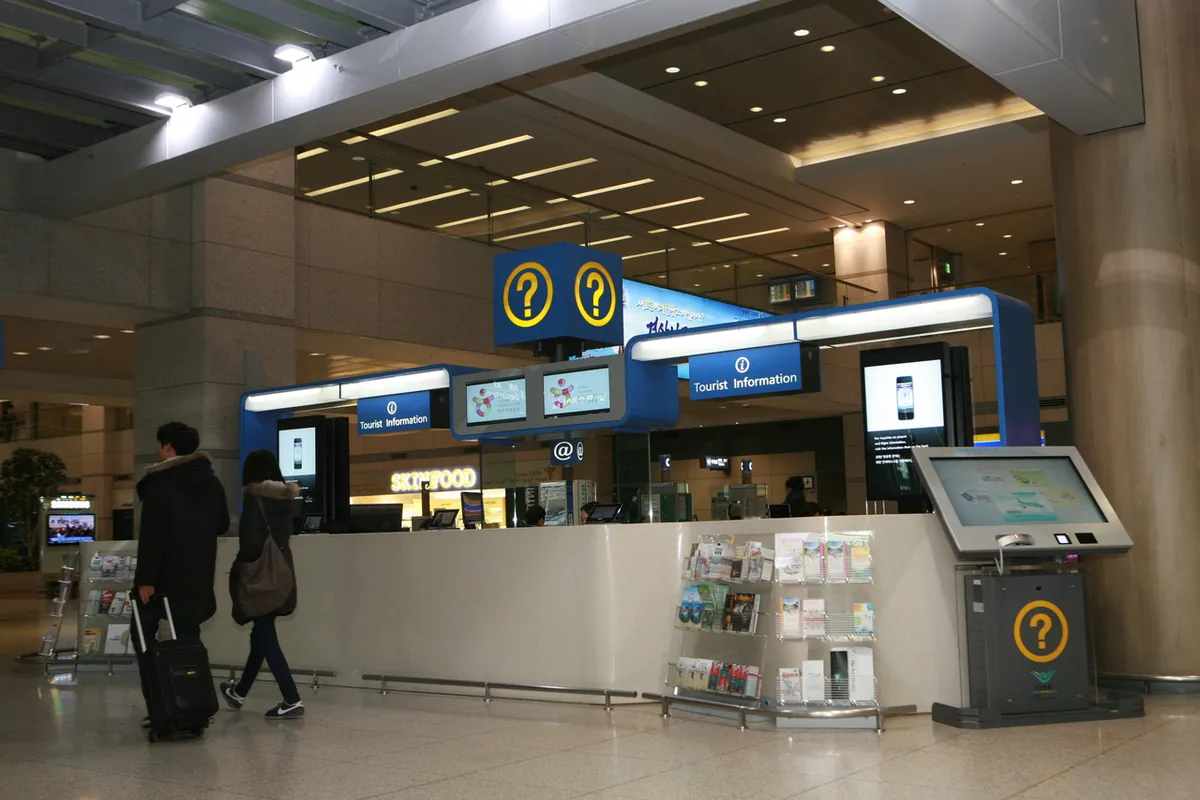
A physical SIM is the dependable fallback for phones without eSIM capability. It can also be more reassuring when you want a staff member to check that the handset is connected before you leave the airport. Korea Tourism Organization guidance notes that SIM cards, roaming services, Wi-Fi devices, and phone rentals are available through major-airport and local options, but locations and current terms should be confirmed directly with the provider. If you are traveling with someone who is not comfortable using English-language phone settings, a staffed setup can be worth more than the time saved by an eSIM.
Consider a physical SIM when you need to know exactly which network or number arrangement you are getting and want support to activate it. Still, carry the SIM tool or make sure the counter provides one, and check whether the plan requires identification, has a fixed expiry, permits tethering, or needs return of any included device. The physical format does not guarantee a local number, unlimited high-speed data, or better coverage; those are details of the individual plan.
A local number is a specific need, not a default benefit
Most sightseeing does not require a Korean phone number. You can use messaging apps, email, Wi-Fi calling, maps, and many booking services with data. A local number becomes important only for particular reservations, identity checks, delivery services, work needs, or calls to local businesses. If that is part of your trip, confirm the number type, outgoing-call rules, incoming-text support, and required registration before purchase. Do not assume that a physical SIM includes these features or that an eSIM never can.
Compare the plan details that affect a real trip
Data amount, speed policy, and hotspot use
Start with your likely use, not the largest headline number. Maps, translation, messages, restaurant searches, and occasional social media use are modest compared with video uploads, cloud backups, livestreaming, or sharing a hotspot with a laptop. A plan described as unlimited may still have a daily high-speed amount followed by lower speeds. A fixed-data plan may be excellent if you can add more data easily. Read the exact policy for the plan's validity period, high-speed threshold, hotspot allowance, and top-up process.
Turn off automatic photo backups and app updates on the travel line if data conservation matters. Download offline entertainment and maps before the flight. If you will use your phone as a group hotspot, check whether it is permitted and budget much more data than one person would need. These actions often matter more than choosing between two broadly similar SIM products.
Coverage, network selection, and timing
Korea has strong mobile infrastructure in the major cities most visitors use, but no provider can promise identical service in every building, underground space, island, mountain, or event crowd. Check which Korean network a plan uses and whether the provider supplies a manual network-selection instruction if automatic connection fails. If your route includes Jeju, hiking areas, a road trip, or a rural family visit, ask the provider about coverage rather than relying on a city-focused review.
Timing matters as much as coverage. A plan that begins when it connects in Korea is convenient for pre-installation. A plan that begins when you buy or install it may need to be purchased closer to departure. Save the activation details, QR code, support contact, and instructions for resetting network settings before you fly. Airport Wi-Fi is a useful backup, but it should not be the only place those details exist.
What about roaming or pocket Wi-Fi?
International roaming is the low-setup alternative
Roaming through your home carrier can be the simplest option if the price and allowance are acceptable. You keep your normal number, avoid installing another profile, and may have a familiar support channel if something goes wrong. Check the carrier's Korea coverage, daily caps, speed policy, and automatic-pass behavior before departure. The convenience can be valuable for a short business trip or a traveler who needs their home number continuously, even if a local SIM or eSIM would offer more data per dollar.
Pocket Wi-Fi works best for a shared group
A pocket Wi-Fi router can make sense for a family or group that will stay together and share several devices. It also helps travelers whose phones cannot use eSIM and who do not want to change SIM cards. The trade-off is another object to collect, charge, carry, and return. If the group splits up, the person with the router has the connection. For a solo visitor or couple with compatible phones, individual eSIMs are often simpler.
Choose your setup by trip type
A short first-time Seoul trip
For a first-time visit focused on Seoul, an eSIM is usually the smoothest route if your phone supports it. Install it before departure, keep your home line for important messages, and use the connection to navigate the airport and local transit. Pair it with the plan in our Korea travel essentials checklist, including your hotel address and payment backup.
A multi-city, family, or special-purpose trip
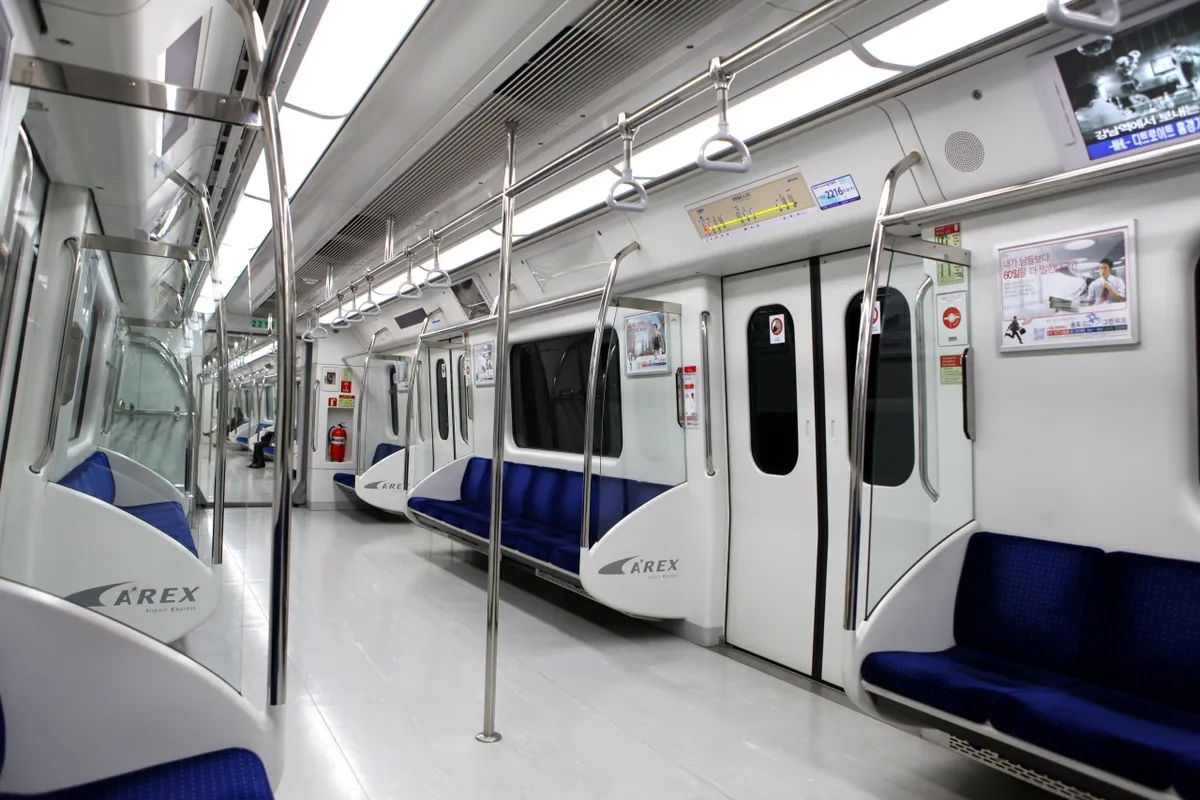
For a multi-city trip, choose the provider based on documented coverage and data policy rather than the SIM format. For a family that stays together, a pocket Wi-Fi device may simplify billing. For a traveler who needs help, a physical SIM from a staffed location may be the better experience. For an arrival that depends on airport rail and transfers, get online before travel if possible and save our Incheon Airport to Seoul guide.
A quick setup checklist before departure
Confirm that the phone is unlocked and compatible with the SIM or eSIM format you plan to buy.
Read the plan's activation start, validity period, network name, data policy, hotspot rule, and local-number terms.
Save the QR code, provider instructions, receipt, and customer-support method offline.
Decide whether your home line will remain active for calls and authentication, and disable unintended data roaming if necessary.
Test your map, translation, hotel booking, and airport route before the flight, then keep a written backup of the hotel address.
Sources and last verified
Last verified on August 10, 2026. Official source names and URLs are stored in this article's metadata. Recheck plan-level specifications and carrier conditions before buying because coverage, activation, pricing, and high-speed policies can change.
Frequently Asked Questions
Is an eSIM or physical SIM better for Korea?
An eSIM is usually better for an unlocked compatible phone when you want data ready before leaving the airport. A physical SIM is better when your device lacks eSIM support, you want in-person setup help, or a specific plan offers the local-number features you need.
Will a Korea tourist eSIM give me a local phone number?
Not necessarily. Many visitor eSIMs are data-only, so check the exact plan if you need calls, incoming texts, or a Korean number for a reservation or verification process. The physical SIM format does not automatically guarantee a local number either.
Can I keep my home SIM active with a Korea eSIM?
Often yes on a dual-SIM capable phone, but configure it carefully. Keep your home line available for important calls or security messages if needed, and switch off unwanted data roaming so your home carrier does not charge for travel data.
How much Korea mobile data do I need?
Maps, messaging, translation, and ordinary browsing use far less data than video, cloud backup, or hotspot sharing. Estimate how you actually travel, then compare each plan's data amount, high-speed policy, validity period, and top-up options instead of choosing by a headline label alone.
Last verified: August 2026 · TipsKorea Editorial


